
Aim Assist & Flickbot
Adjust FOV, target point, smoothing and motion settings from the desktop interface.
The controls available in the current PinkiePie desktop app, backed by your account panel.
Adjust FOV, target point, smoothing and motion settings from the desktop interface.
Configure trigger timing and recoil controls alongside your motion settings.
Connect and configure your MAKCU device, inspect its status and use the calibration page.
Choose your capture source and region, then tune target colour and geometric filtering.
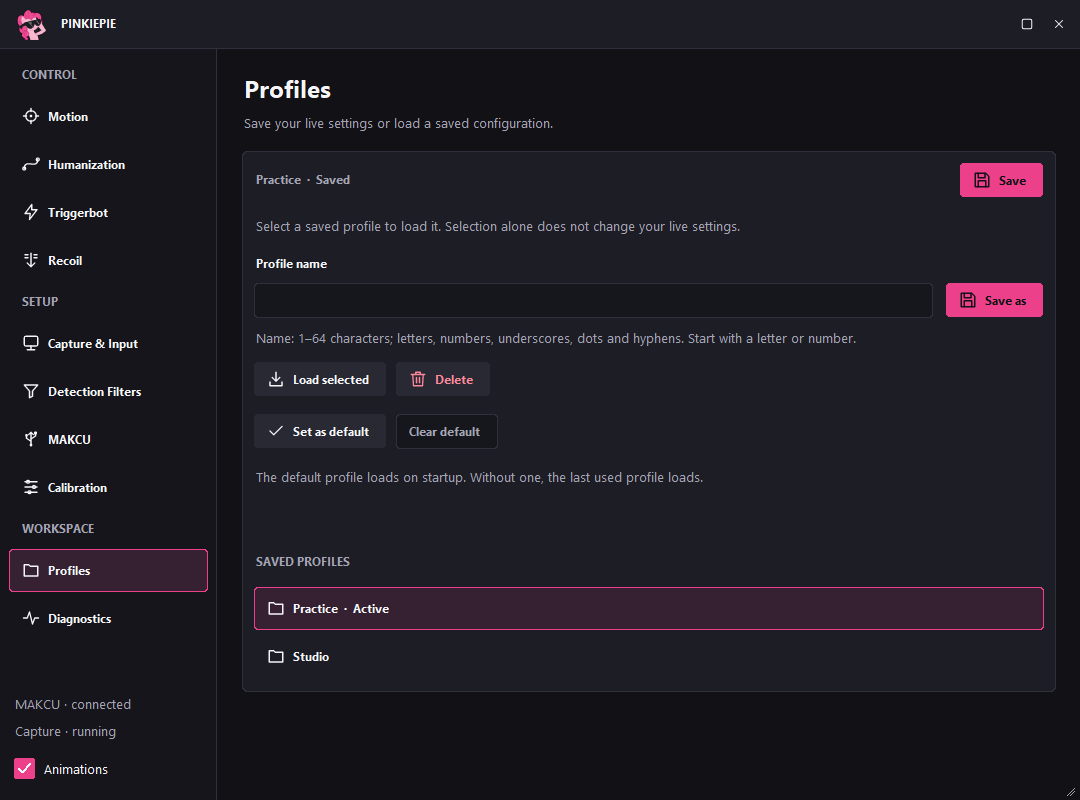
Save named configurations, switch between setups and choose a default profile to load at startup.
Use the panel for sign-in, two-factor authentication, licence access, downloads and support tickets.
Sign in with your account to access downloads. User downloads require licence access; account registration requires an invitation code.